

Driving Efficiency with Efficient Maintenance Strategies

When you manage your own legal documents and litigation support, every minute counts. You need systems that work smoothly and reliably. That’s why efficient maintenance strategies are your secret weapon. They keep your tools and processes running without hiccups. You avoid costly delays and headaches. Ready to boost your workflow? Let’s dive in!
Why Efficient Maintenance Strategies Matter
You might think maintenance is just about fixing things when they break. Nope! It’s about preventing problems before they happen. Imagine your legal documents system crashing right before a court deadline. Nightmare, right? Efficient maintenance strategies help you avoid that.
Here’s what they do for you:
Save time by reducing unexpected downtime.
Cut costs by preventing expensive repairs.
Improve accuracy by keeping your systems up to date.
Boost confidence knowing your tools won’t fail you.
You don’t have to be a tech expert to apply these strategies. Just follow simple steps and stay consistent.

How to Implement Efficient Maintenance Strategies
Start with a plan. Don’t wait for problems to pile up. Here’s a straightforward approach:
Assess your current setup. What tools and systems do you use daily? Identify weak spots.
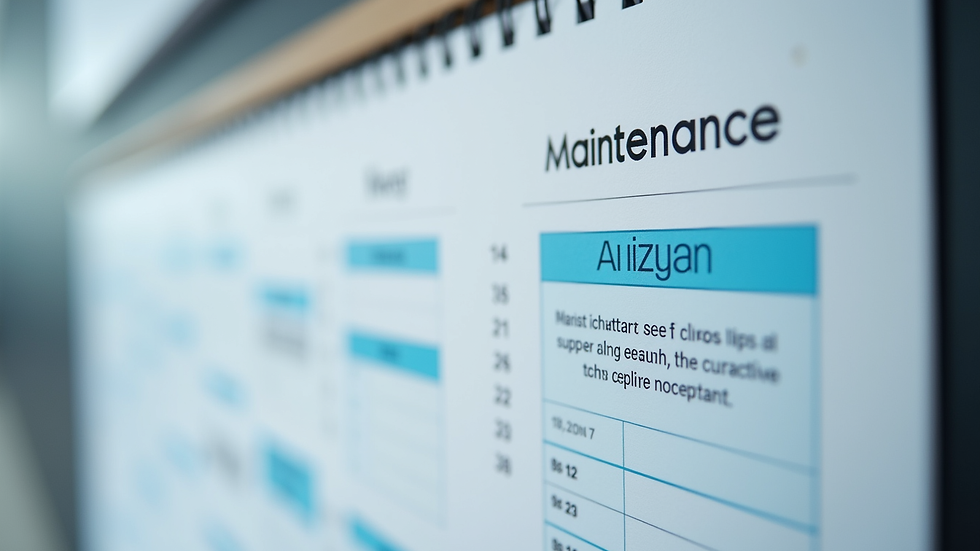
Schedule regular check-ups. Set reminders to review and update your documents and software.
Keep backups. Always have copies of important files stored safely.
Train yourself on updates. Learn how to apply software patches or system upgrades.
Document your process. Write down your maintenance steps so you don’t forget.
For example, if you use a document management system, check for updates monthly. Back up your files weekly. This simple routine prevents data loss and keeps your workflow smooth.
What are the 5 stages of strategic management?
Understanding the bigger picture helps you maintain your systems better. Strategic management breaks down into five stages:
Goal Setting - Define what you want to achieve with your maintenance.
Analysis - Examine your current resources and challenges.
Strategy Formulation - Plan how to meet your goals efficiently.
Implementation - Put your plan into action with clear steps.
Evaluation and Control - Monitor results and adjust as needed.
Apply these stages to your maintenance plan. For instance, your goal might be zero downtime during court filing periods. Analyze your current tools, then create a schedule to update and back up files. Implement it, and check regularly if it’s working.
The Role of Strategic Maintenance Planning in Your Workflow
Here’s a game-changer: integrating strategic maintenance planning into your daily routine. This approach focuses on aligning your maintenance tasks with your overall goals. It’s not just about fixing things; it’s about making your entire process more efficient.
Think of it like this: you’re not just cleaning your workspace—you’re organizing it to help you win your case faster. When you plan strategically, you:
Prioritize critical tasks.
Allocate resources wisely.
Avoid redundant work.
Stay proactive, not reactive.
This mindset saves you time and stress. It’s a smart way to handle your legal support needs.
Tips for Staying Consistent with Maintenance
Consistency is key. You can’t just do maintenance once and forget it. Here’s how to stay on track:
Set reminders. Use your phone or calendar to alert you.
Create checklists. Break down tasks into simple steps.
Review progress weekly. Adjust your plan if needed.
Celebrate small wins. Every completed task is a step toward efficiency.
Ask for help if stuck. Don’t hesitate to seek advice or tutorials.
By making maintenance a habit, you build a reliable system that supports your legal work every day.
Keep Your Legal Support Running Smoothly
Efficient maintenance strategies are your best friend when managing legal documents and litigation support. They keep your tools ready, your files safe, and your mind clear. You’ll handle complex legal processes with confidence and ease.
Start small. Plan smart. Stay consistent. Your future self will thank you for the smooth, stress-free workflow you create today.


Comments